HIPAA Compliant
Medical Scribe for
Browser-Based EHRs
Bring your AI scribe into the EHR workflow you already use. Record visits, review notes, and keep documentation moving in Chrome.
Medical Scribe for
Bring your AI scribe into the EHR workflow you already use. Record visits, review notes, and keep documentation moving in Chrome.



Keep Medical Scribe open beside the chart, review the finished note, and use Copy when you are ready to document.
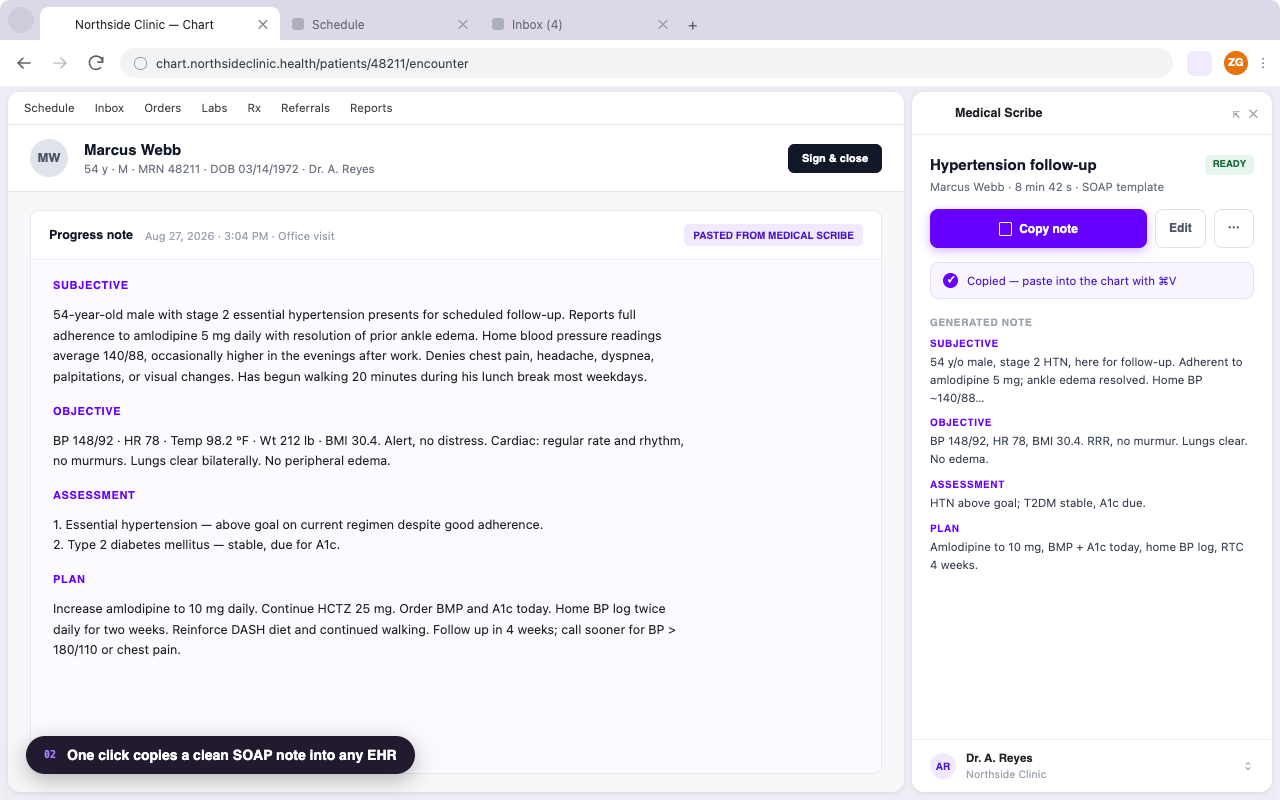
Your EHR, note draft, and recording workflow should not force you to constantly switch contexts during clinic.
Keep the browser-based charting workflow your practice already relies on instead of starting over with a new EHR.
A smoother documentation workflow helps you stay present in the room and finish notes while the visit is still fresh.
Open Medical Scribe from Chrome while your browser-based EHR is in view. Your AI scribe stays where the documentation happens.
Install the extension, sign in to Medical Scribe, and open it from the Chrome toolbar whenever you are ready to document.
Keep your chart and your Medical Scribe workspace close together throughout the visit.
Launch Medical Scribe from the Chrome toolbar while you are charting.
Keep the note close to the encounter instead of pushing it into after-hours work.
Documentation support built for clinicians handling sensitive patient conversations.
Medical Scribe for Chrome keeps your documentation workspace close to the patient chart—not buried in another tab or window.
No new EHR. No long implementation project. No need to rebuild your documentation habits around another platform. If your charting workflow lives in Chrome, Medical Scribe fits beside it.
Choose the workflow that matches your practice:
| EHR | Medical Scribe workflow |
|---|---|
| athenahealth | Record, review, and copy notes beside the encounter in Chrome. |
| Tebra | Keep an AI scribe next to the chart for independent-practice documentation. |
| SimplePractice | Capture sessions and review notes without breaking therapeutic focus. |
| Practice Fusion | Create a note beside the chart, then copy it into the record. |
| eClinicalWorks | Turn the visit into a review-ready note in the eCW workflow. |
| Jane | Keep hands-on care and appointment documentation in one flow. |
| Cerbo | Document long DPC visits without losing the membership-care context. |
See how Medical Scribe for Chrome keeps your AI scribe close to the charting work that matters.
Yes. Medical Scribe for Chrome opens beside browser-based EHRs, keeping your note and your chart in the same workflow.
No. Install Medical Scribe for Chrome, sign in to your account, and open it from the Chrome toolbar while you work in your EHR.
No. Medical Scribe works alongside the browser-based EHR workflow you already use, so your practice can keep its existing charting system.
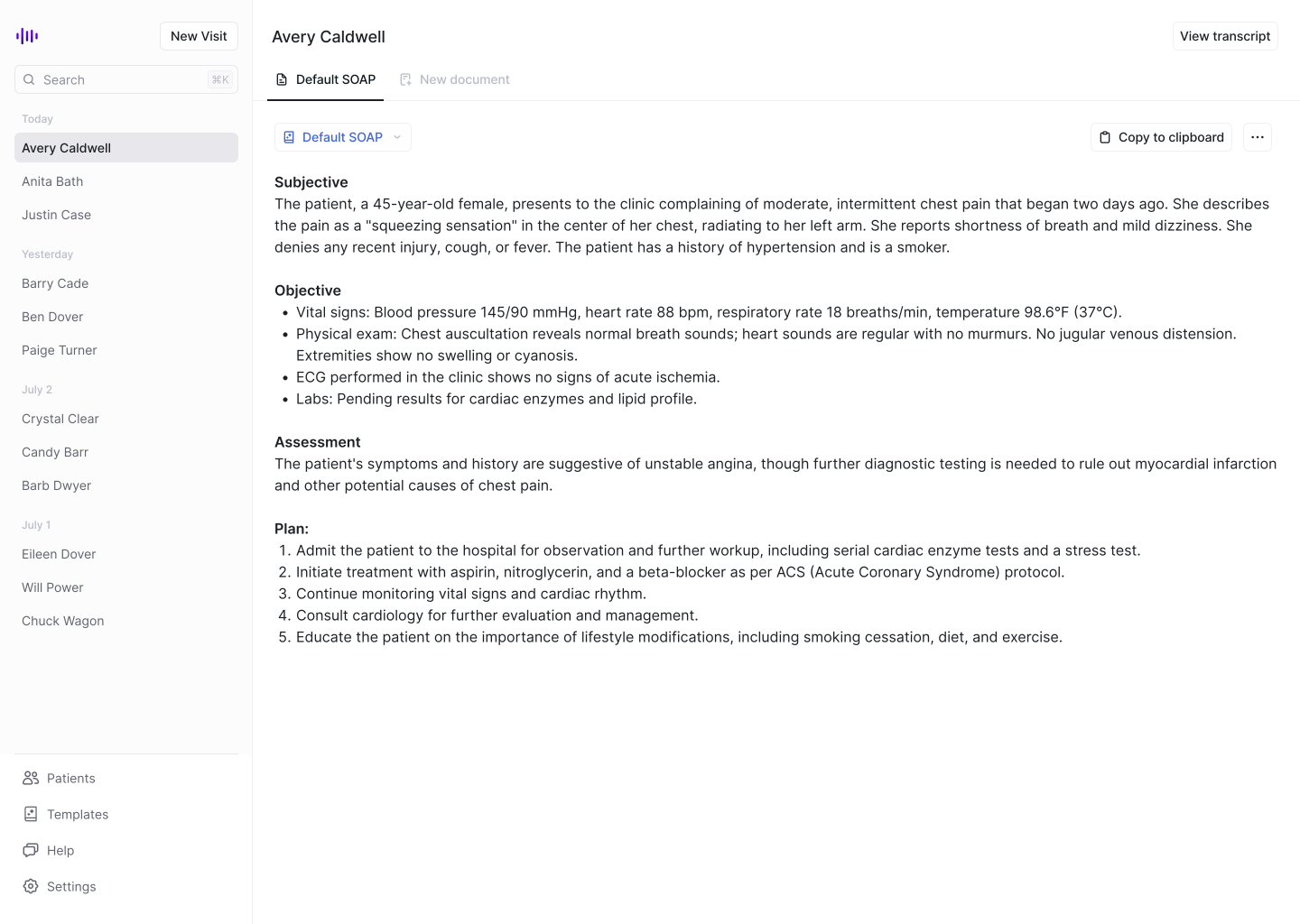
Yes. Medical Scribe creates a draft that you review, refine, and complete using your clinical judgment before finalizing the patient record.
Join thousands of healthcare professionals who save hours every day with Medical Scribe.