Record the visit
Capture your visit from the desktop app, then review the generated clinical note.
Record visits on your Mac. Medical Scribe separates your dictation from the patient conversation to draft a clinical note you can review and copy into your EHR.
For macOS · Apple Silicon and Intel
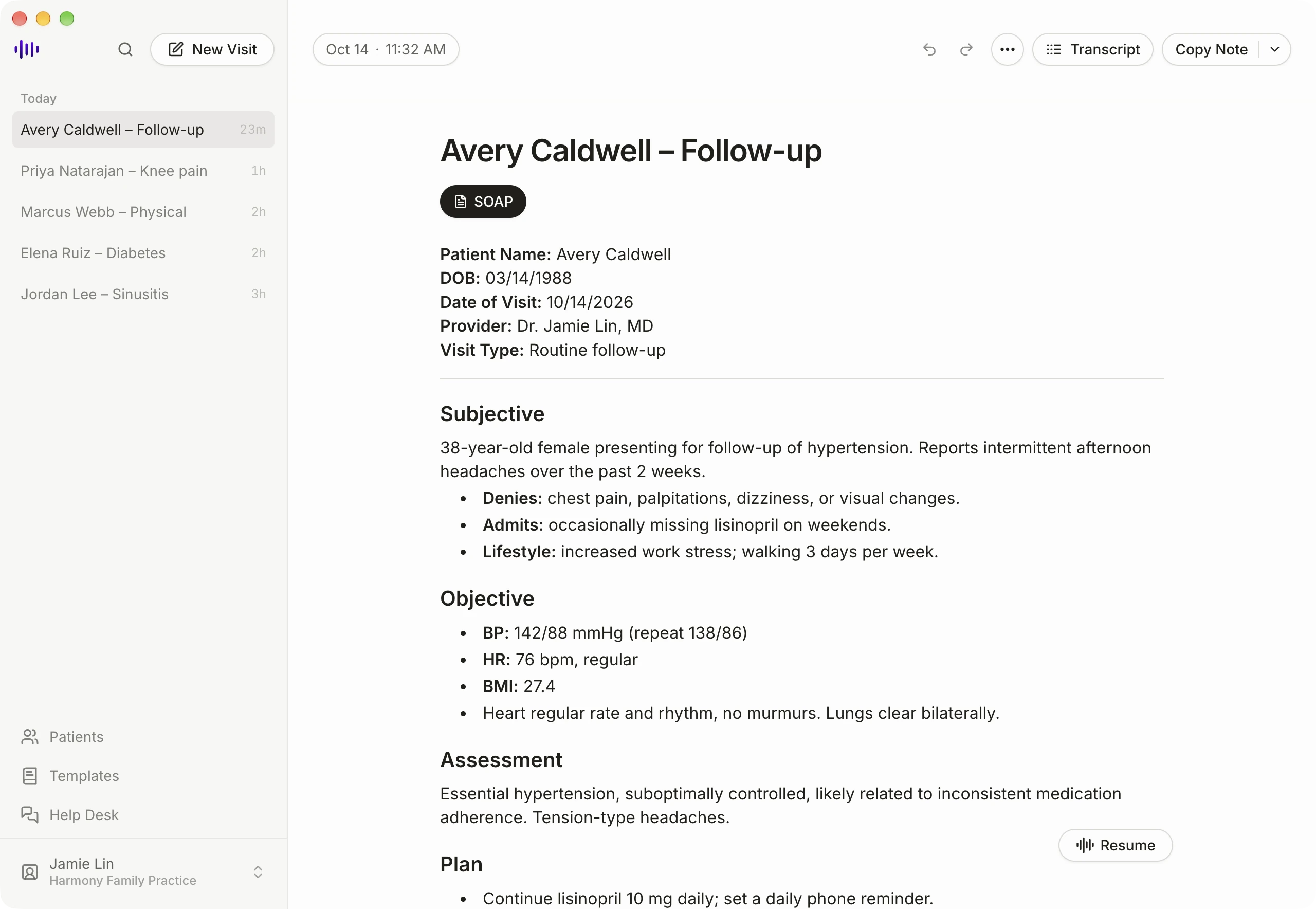
Capture your visit from the desktop app, then review the generated clinical note.
AI separates clinician dictation from patient conversation when generating the note.
On a Mac, system-audio capture can record both sides of a telehealth call, not only your microphone. macOS Screen Recording permission is required.
Review and edit the draft, then copy the finished note into your EHR, such as ModMed.
The free Chrome extension links to your Medical Scribe account and shows past visits.
The Medical Scribe desktop app is a universal macOS build. Sign in to your account to access the Medical Scribe portal in the app.
The Mac app is free to download. Sign in with your Medical Scribe account: new accounts start with 10 free trial visits, and Pricing lists the plans after that.
The Mac app adds system-audio capture for telehealth visits, so it can record both sides of the call, not only your microphone. This requires a one-time macOS Screen Recording permission.
The Mac app does not push notes into an EHR. Review the generated note and copy it into your EHR, such as ModMed.
macOS Screen Recording permission enables system-audio capture for telehealth visits. Grant it once in macOS settings when prompted. The app also uses your microphone to record visits.
Download the app, or talk with our team about your workflow.