
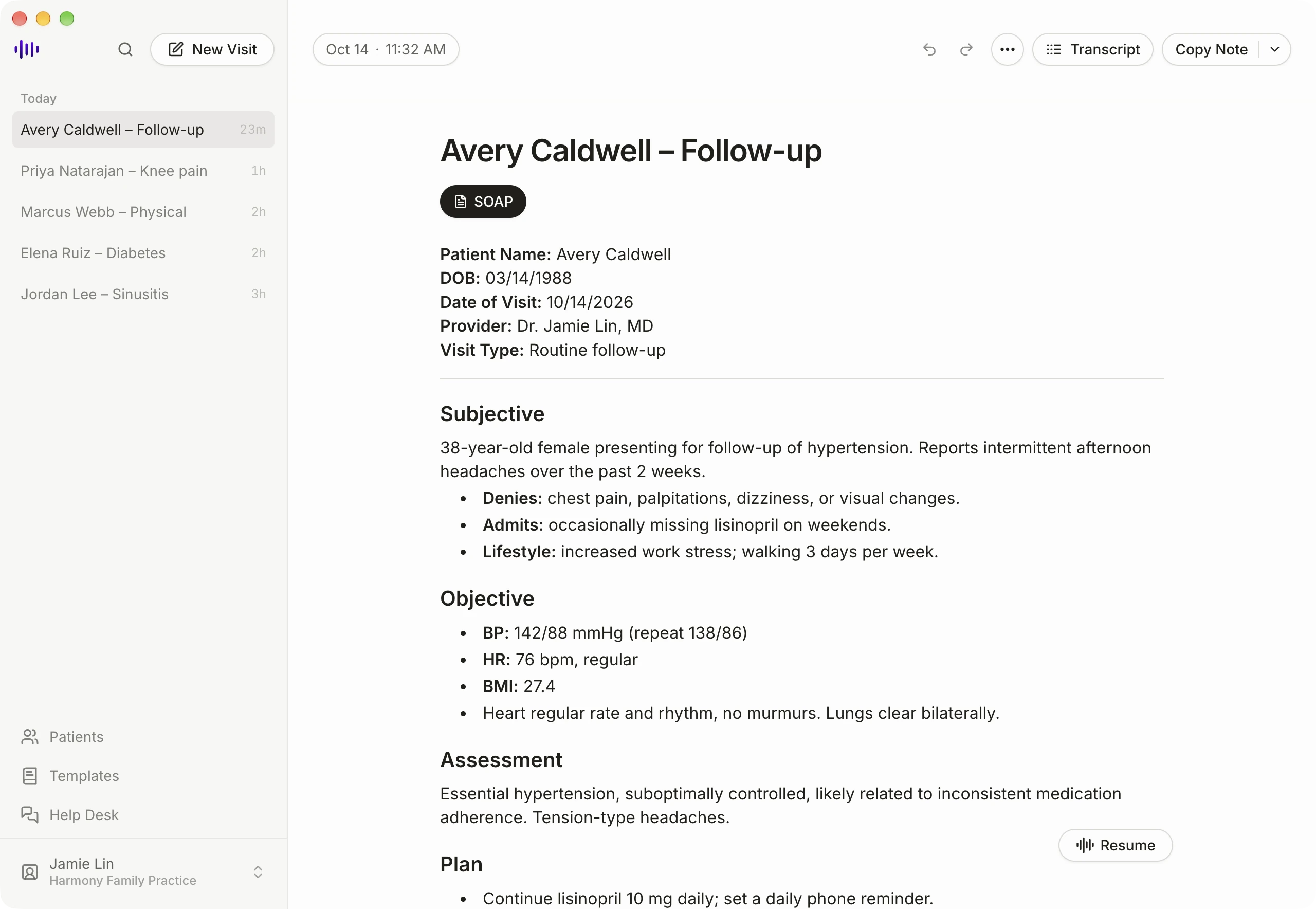
Medical Scribe now has a dedicated desktop app, bringing clinical documentation to your computer in its own app window. Our desktop lineup includes Mac and Linux, and the Windows app is coming soon.
Keep Medical Scribe open beside your EHR while you work through the day’s visits. The Mac app supports both Apple Silicon and Intel computers; the Linux app is built for x86-64 desktops.
From the encounter to a reviewed note
Record a visit using your microphone, then open the clinical note generated from the recording. Review the draft, make your edits, and copy the finished note into your EHR. Your clinical review remains the final step before adding it to the patient chart.
You can do that work at the same computer you use for charting, with room to read the note and check the patient record alongside it.
Telehealth recording on Mac
The Mac app can capture system audio as well as your microphone, allowing it to record both sides of a telehealth call. This requires macOS Screen Recording permission. Follow the Mac setup instructions to enable it before recording.
On Linux, recording uses your microphone only; system audio is not captured.
Your notes across devices
Your visits and notes stay in sync across Medical Scribe on desktop, mobile, and the web. Start a recording on your phone, then review the note on your computer when you’re back at your desk.
Get started
The Mac app is available now. Visit our downloads page, install the app, and sign in to your Medical Scribe account. Windows users can continue using Medical Scribe in a modern web browser.